INBOX

MESSAGES THAT STICK
Chasing messages eats unpaid hours every single day. One inbox puts every update in one spot. BuilderPal's Inbox pulls every job chat, action update, and bid question into one spot tied to the project. Answers hit the right guy right now, files stay where they belong, and the whole team moves forward.
.webp)
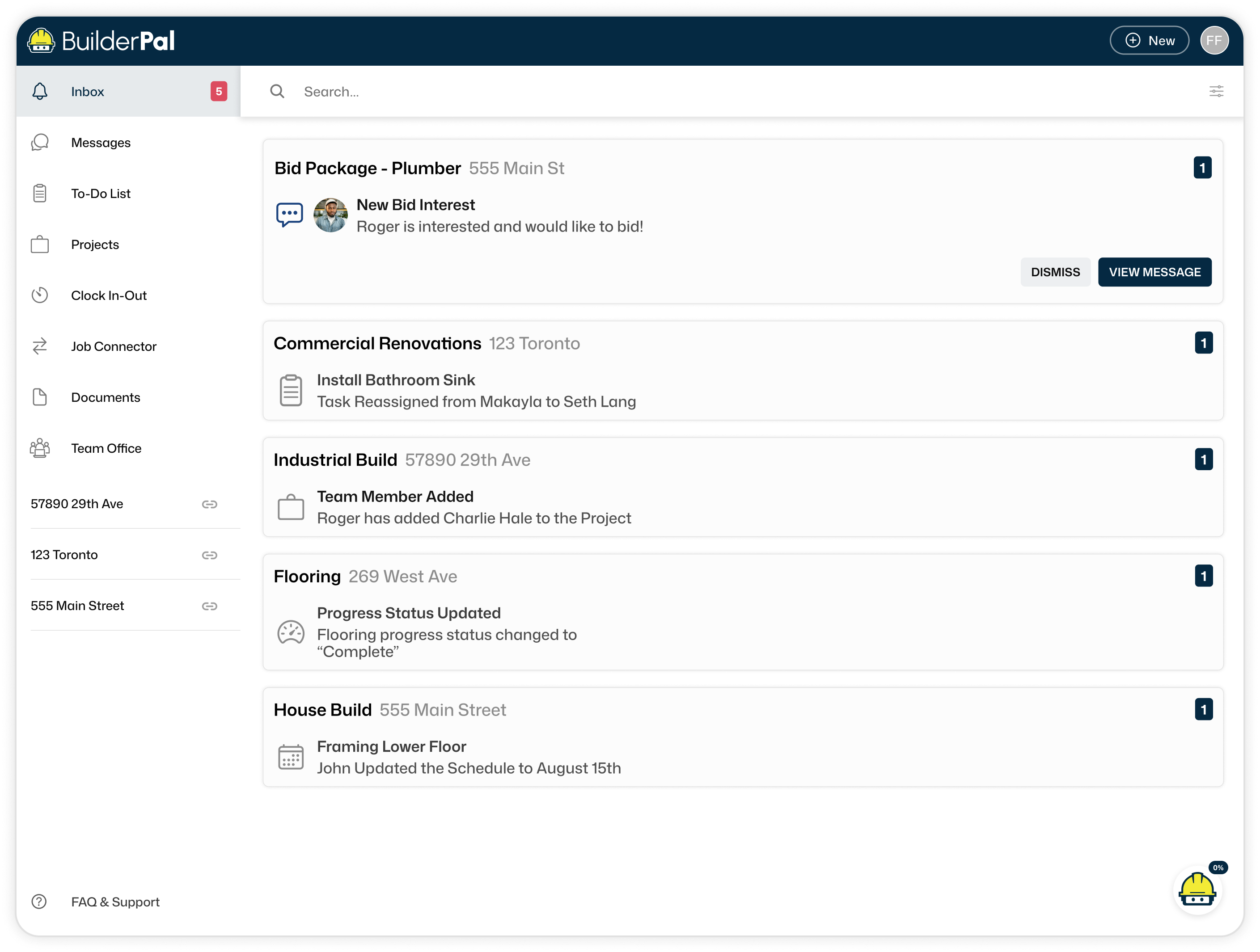
All Conversations in One Place
Updates Stay Put
Every job chat, action update, and bid question lands in one spot tied to the project. See what's happening across sites without digging through texts.
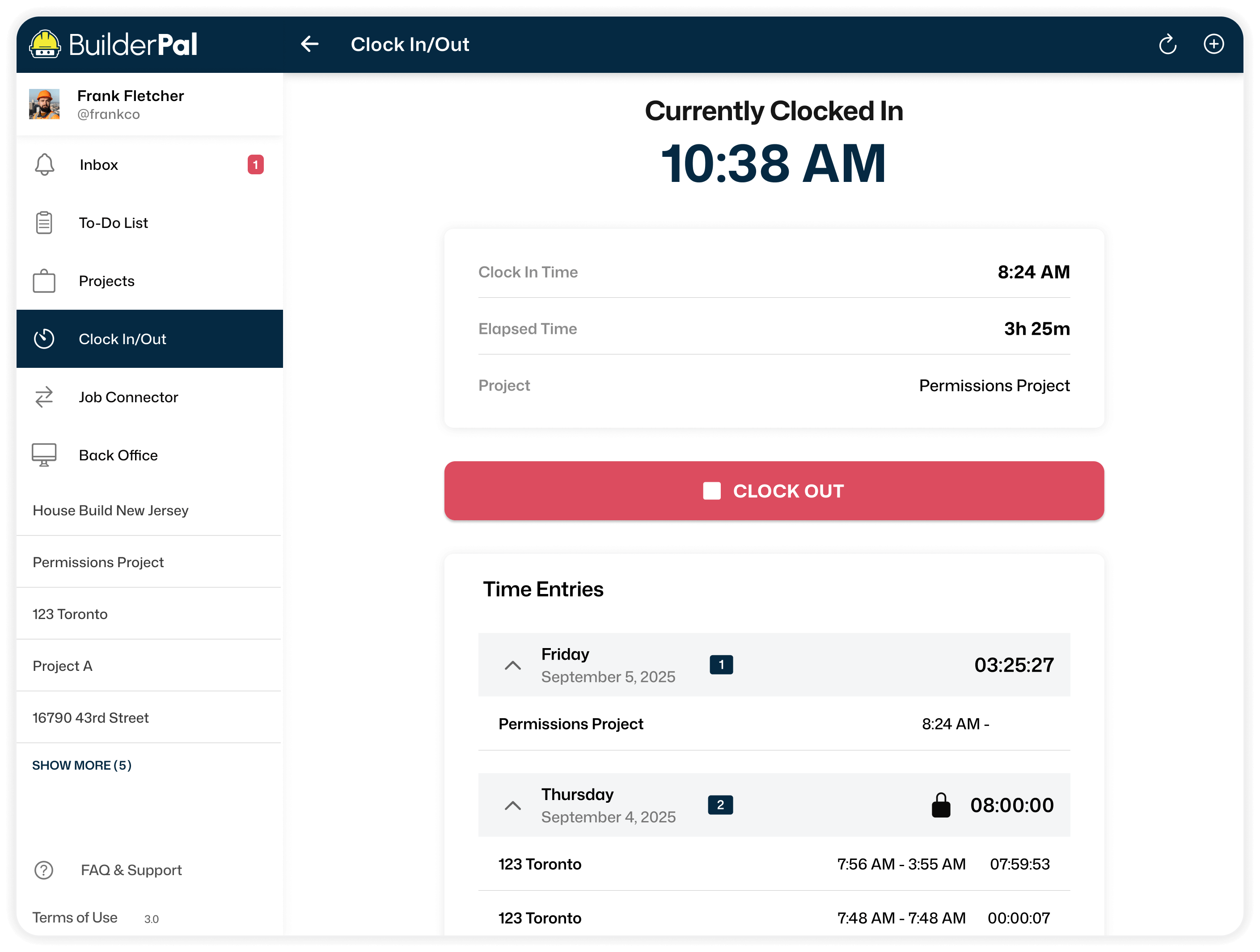
No Chasing Needed
Phone tag kills momentum on site. Direct hits reach the right person fast. Jobs keep moving, time stays billable.
.webp)
Everything Tied To The Job
Loose threads cause confusion and rework. Messages link straight to the project. No hunting, no unpaid delays.
Job Chats for GCs and Trades
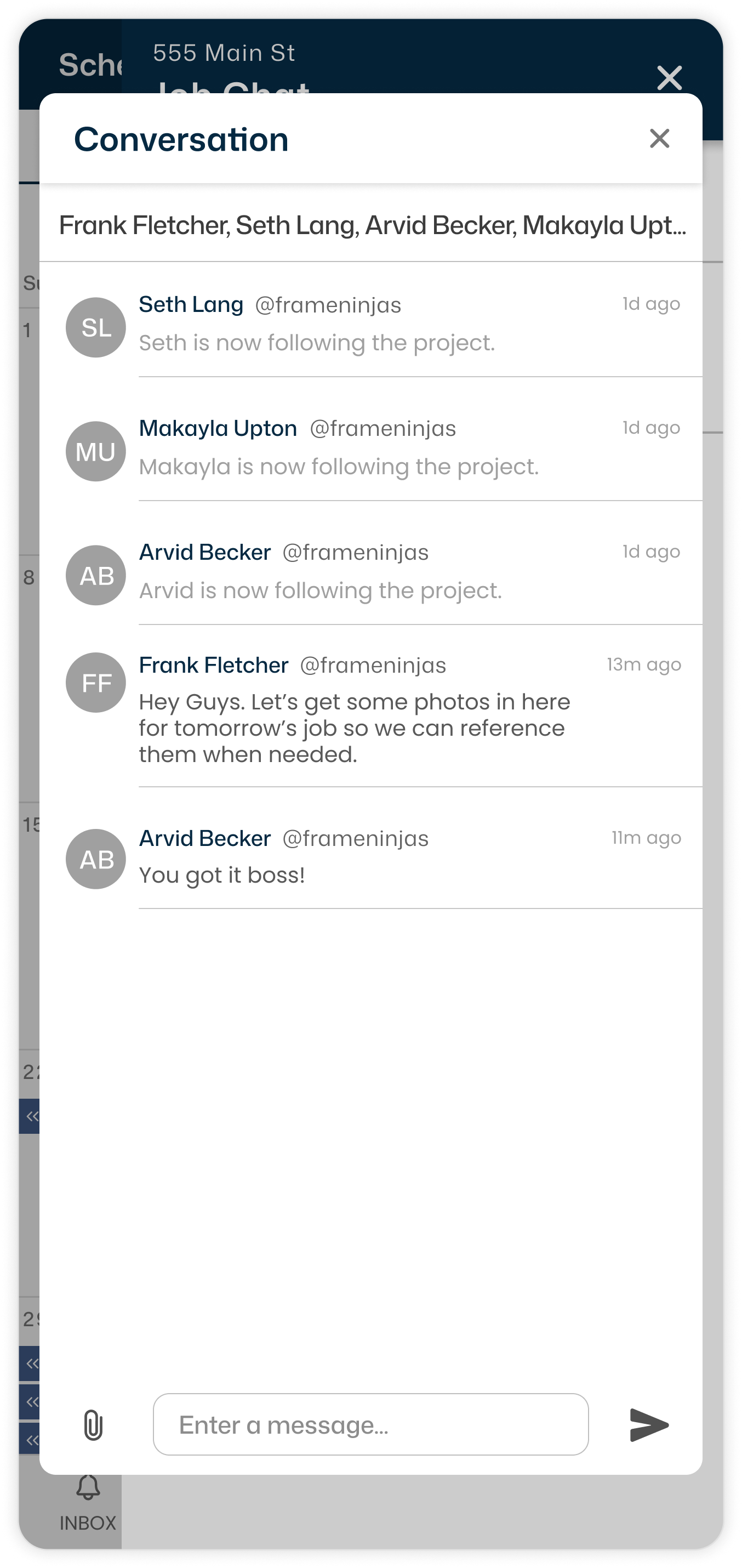
One Shared Job Chat
Different apps split the crew apart. Everyone sees updates in project chat. No more asking twice. Everyone saves time.
Direct or Group
Private questions get lost in noise. Message directly or to the whole crew in one place. Answers land where needed, drama gets cut out.
Files Right There
Sending docs separately causes confusion. Attach photos or files right in the chat. Everything stays tied, no hunting later.
Action Conversations
Punch Lists Tracked
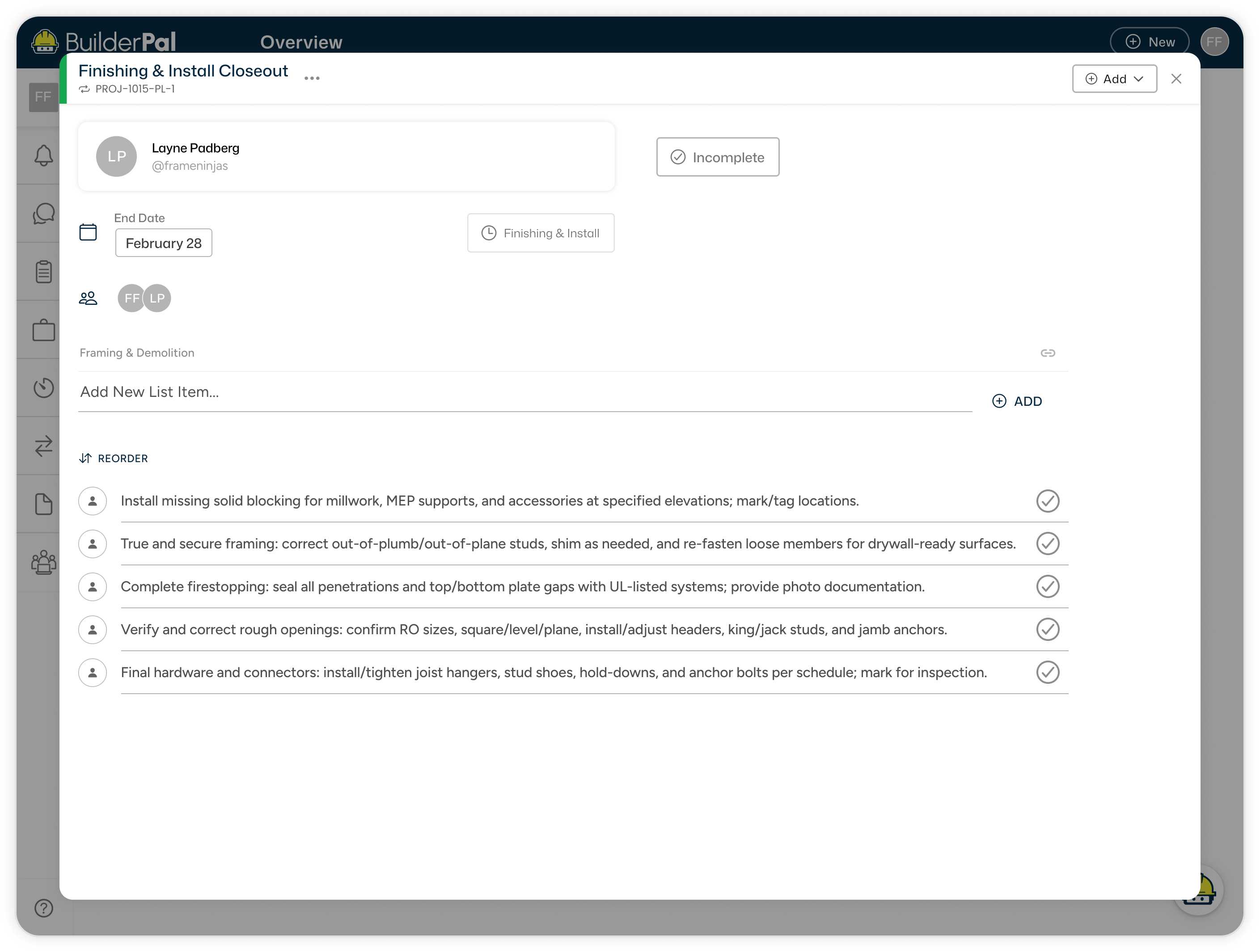
Punch items scatter across notes. Dedicated threads keep them in one place. No lost follow-ups and unpaid fixes.
Change Orders Clear
Adjustments cause loose ends and fights. Every change stays tracked with the supporting docs. No excuses, just done and paid.
Nothing Slips
Missed replies delay the whole job. Notifications push updates to everyone. Momentum holds, and unpaid delays disappear.
How it Works

Step 1
Get Invited to BuilderPal

Step 2
Start and Set Up Your Team

Step 3
Invite Other Contractors
Build Better Together
Photos and files vanish in old threads. Replies stick with the conversation forever. Crew sees what’s needed, no unpaid follow-ups.