TIME MANAGEMENT

BOOST YOUR WORKFLOW
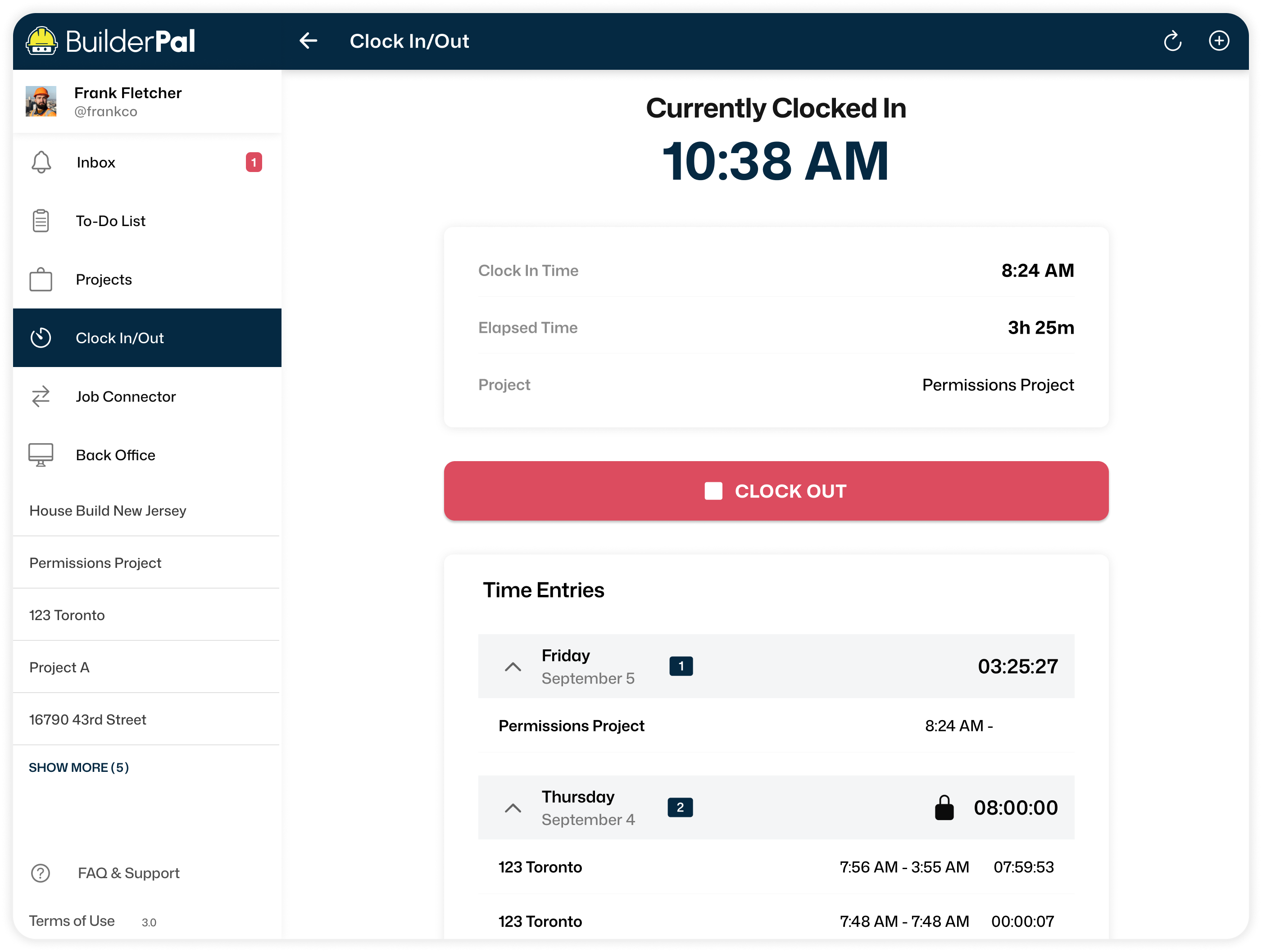
Chasing time entries and approvals every week? BuilderPal tracks clock-ins and basic reports at no extra cost. Pro adds Supervisor Approval, Overtime Tracking, Geo-Checks, Time Locking, and Kiosk Clock-Ins. Summarize unapproved entries or approve them quick with BuilderPal's AI Chat so payroll moves without delays.
.webp)
Supervisor Approval


Final Review Before Payroll
Supervisors review timesheets before they’re submitted, catching mistakes or unauthorized hours. It’s a simple safeguard that saves headaches later. AI summarizes entries or flags issues upfront.
Faster Approvals Anywhere
Approvals can be done on the go, from any device. That means payroll and project reporting stay on schedule without bottlenecks.
.webp)
Built-In Accountability
Supervisor sign-off builds trust and ensures accuracy. Crews know their hours won’t move forward without approval, creating consistency across the team.
Geo-Recording
Proof of Presence
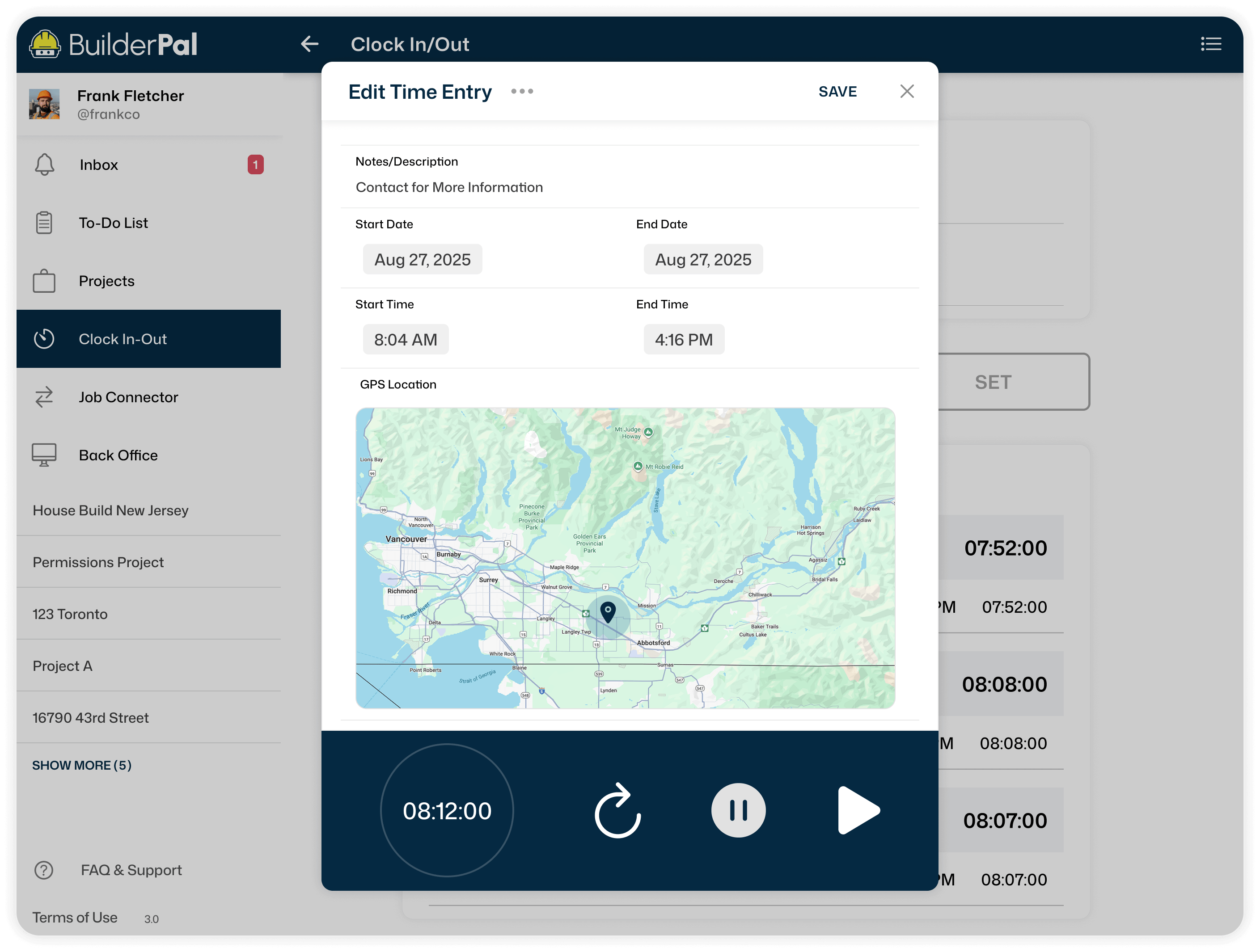
Every clock-in and clock-out includes GPS data, confirming hours were logged on site. This cuts down on disputes and keeps records airtight.
Flexible Control
User management tools allow you to designate which employees need to log hours with GPS. This ensures that tracking is applied only where it’s necessary.
Save Time on Oversight
No more chasing down crew locations. GPS Verification automatically confirms attendance. Our AI pulls up reports or verifies patterns quick. No unpaid time chasing.
Proof of Presence
Every clock-in and clock-out includes GPS data, confirming hours were logged on site. This cuts down on disputes and keeps records airtight.
Flexible control
User management tools allow you to designate which employees need to log hours with GPS. This ensures that tracking is applied only where it’s necessary.
Save Time on Oversight
No more chasing down crew locations. GPS Verification automatically confirms attendance, reducing admin work and making timesheets more reliable.
Overtime Tracking
Log Extra Hours Clearly
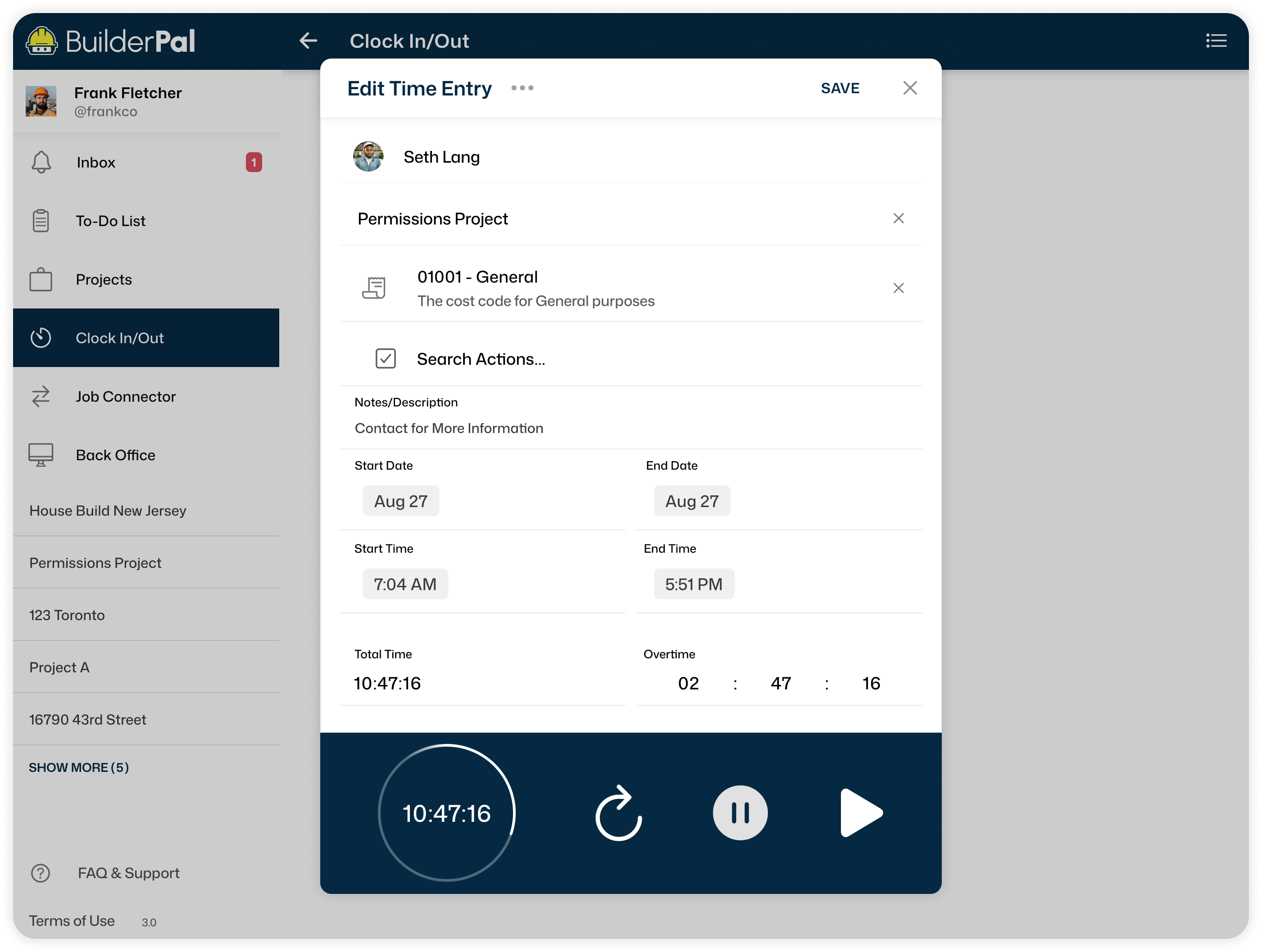
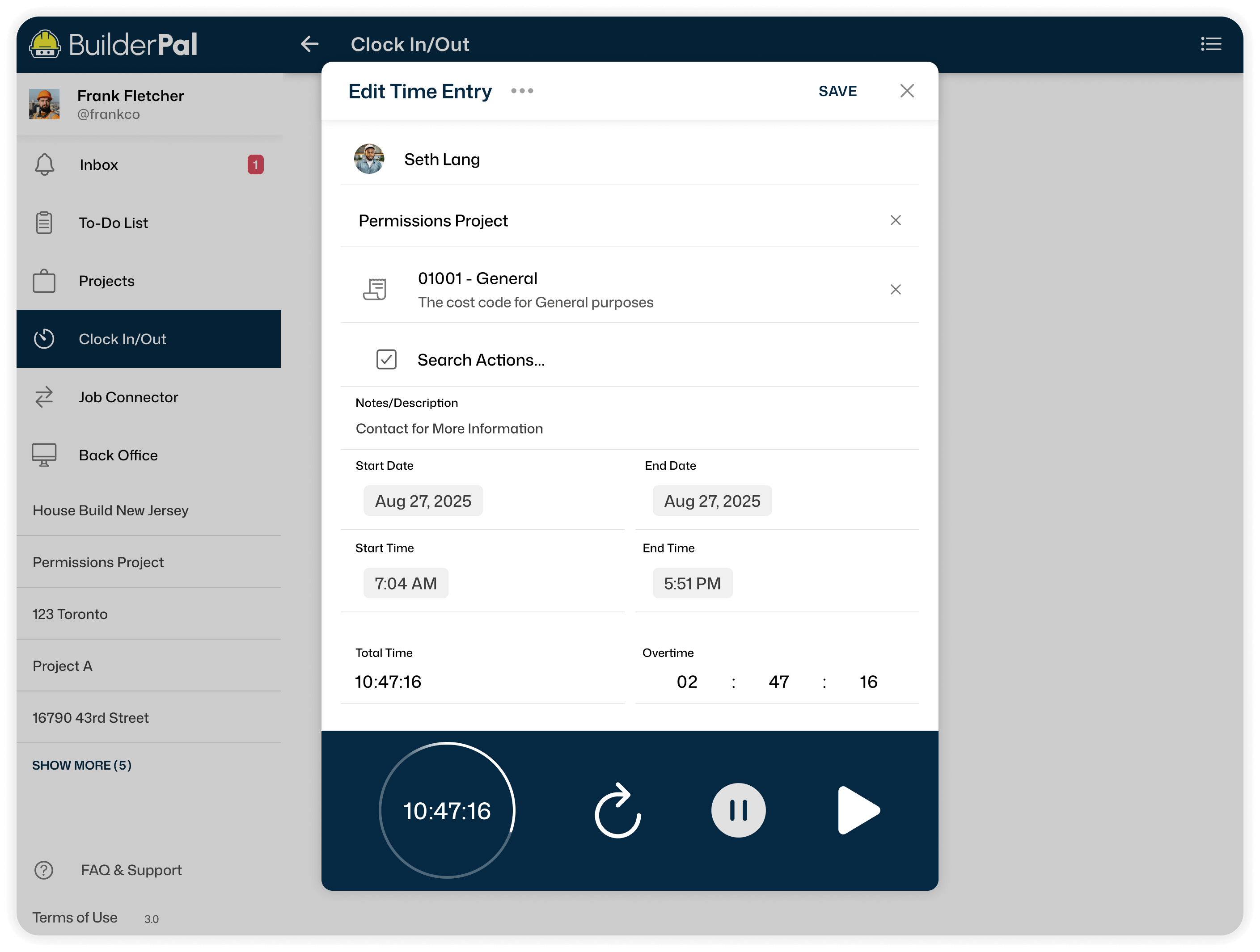
Overtime is recorded directly in each entry, so long days are properly tracked. This keeps records simple and transparent at payroll time.
Fair Pay, No Disputes
Documented overtime ensures workers are paid for every hour they put in. It builds confidence and trust between crews and management.
Manage Costs Smarter
By tracking when overtime happens, you can spot patterns and adjust schedules. That helps control labor costs and improve project planning. BuilderPal's AI generates overtime reports or spots trends. Adjust without wasting hours digging.
Time-Lock Timesheets
Lock It Down
Once timesheets are approved, lock them to stop further edits. This prevents accidental changes and ensures your data stays accurate.
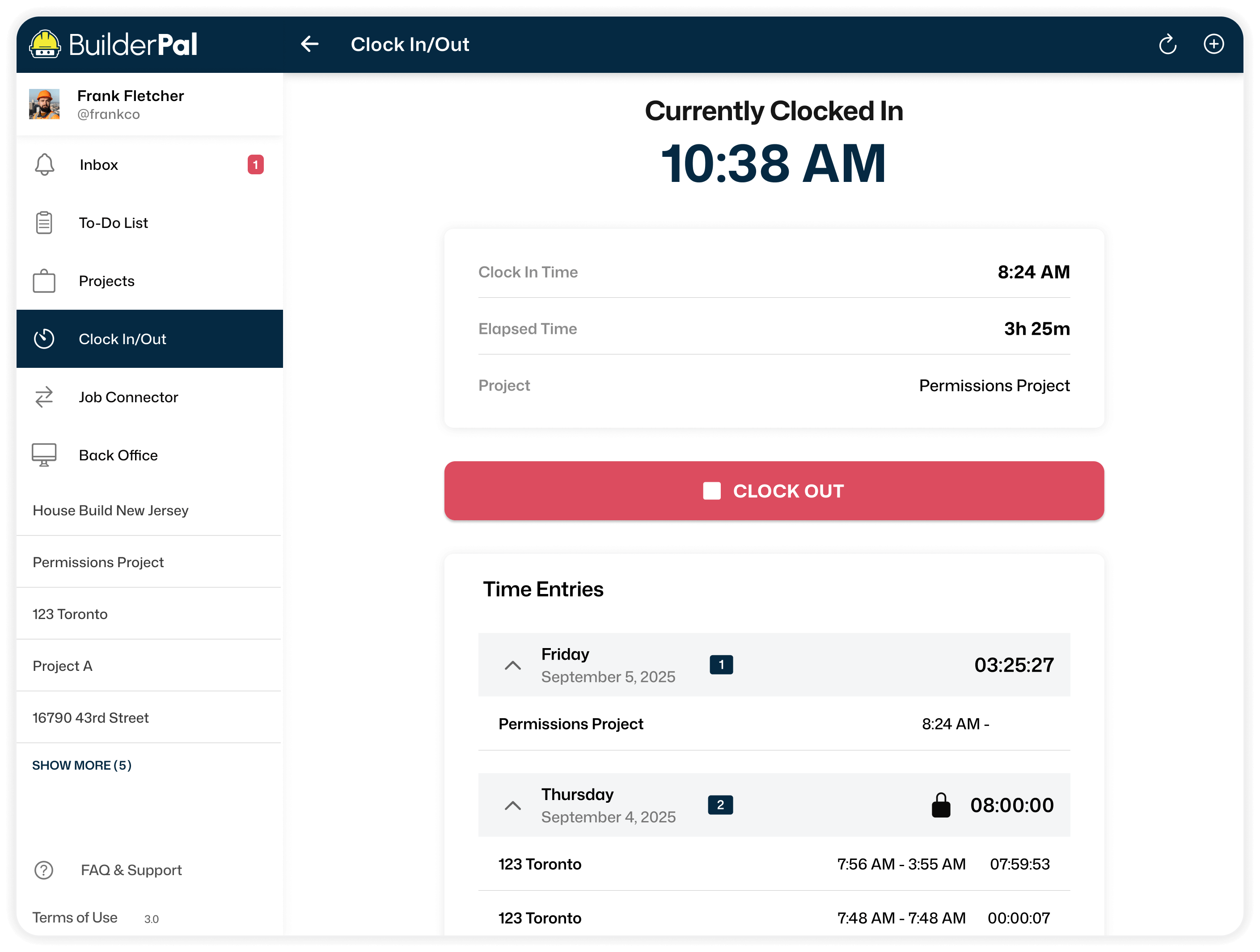
Trustworthy Records
Locked hours give you a clean history for payroll, billing, and compliance. You’ll always have an unaltered record to back you up in case of disputes.
Stay In Control
Choose when changes are allowed and when they aren’t. Time Locking puts you in charge of keeping records consistent across every project. Our AI handles summaries or exports of locked data quick. Focus on the job, not chasing records.
BuilderPal Kiosk
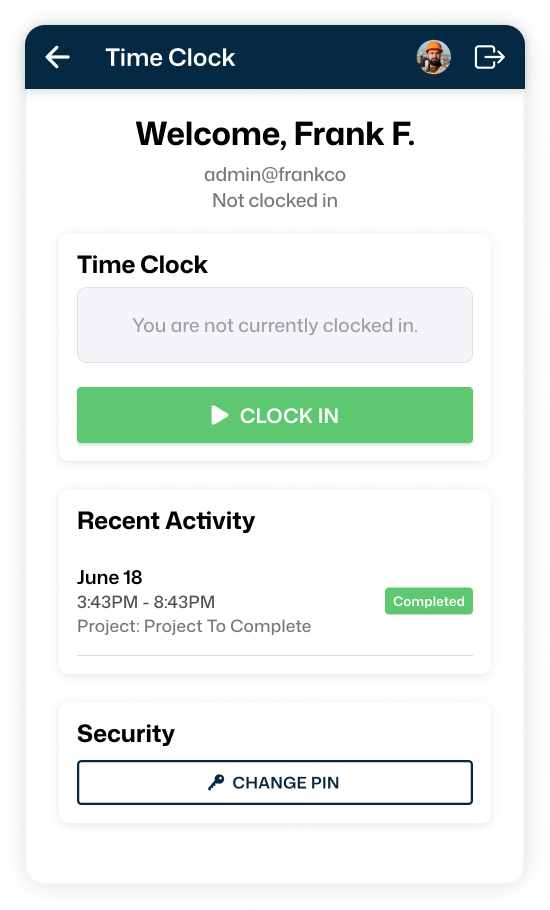

Easy Clock-In for Crews
The Kiosk App lets workers clock in and out from a shared device. It’s perfect for crews who don’t use personal phones on the job.
Custom Access Controls
Assign kiosk admins and decide which workers can use the kiosk. User management makes it easy to give the right people the right level of access.
Centralized and Organized
All kiosk entries feed straight into your timesheet system, keeping records consistent. No lost paper slips, no missed punches. Our AI ties kiosk entries to projects, generates reports, or approves them on the fly.
How it Works

Step 1
Get Invited to BuilderPal

Step 2
Start and Set Up Your Team

Step 3
Invite Other Contractors
Save Time ANd Money
AI handles grunt work like importing contacts or creating punch lists. Connect faster without the unpaid admin drag.