BID LEVELING

Smart Bid Comparisons
Bids scattered with scope gaps eating your margins? BuilderPal lines quotes side-by-side against your estimates. Ask BuilderPal "Who came in lowest on framing?" or "Which bids are missing electrical?" — get clear, specific answers in seconds and decide fast.
.webp)
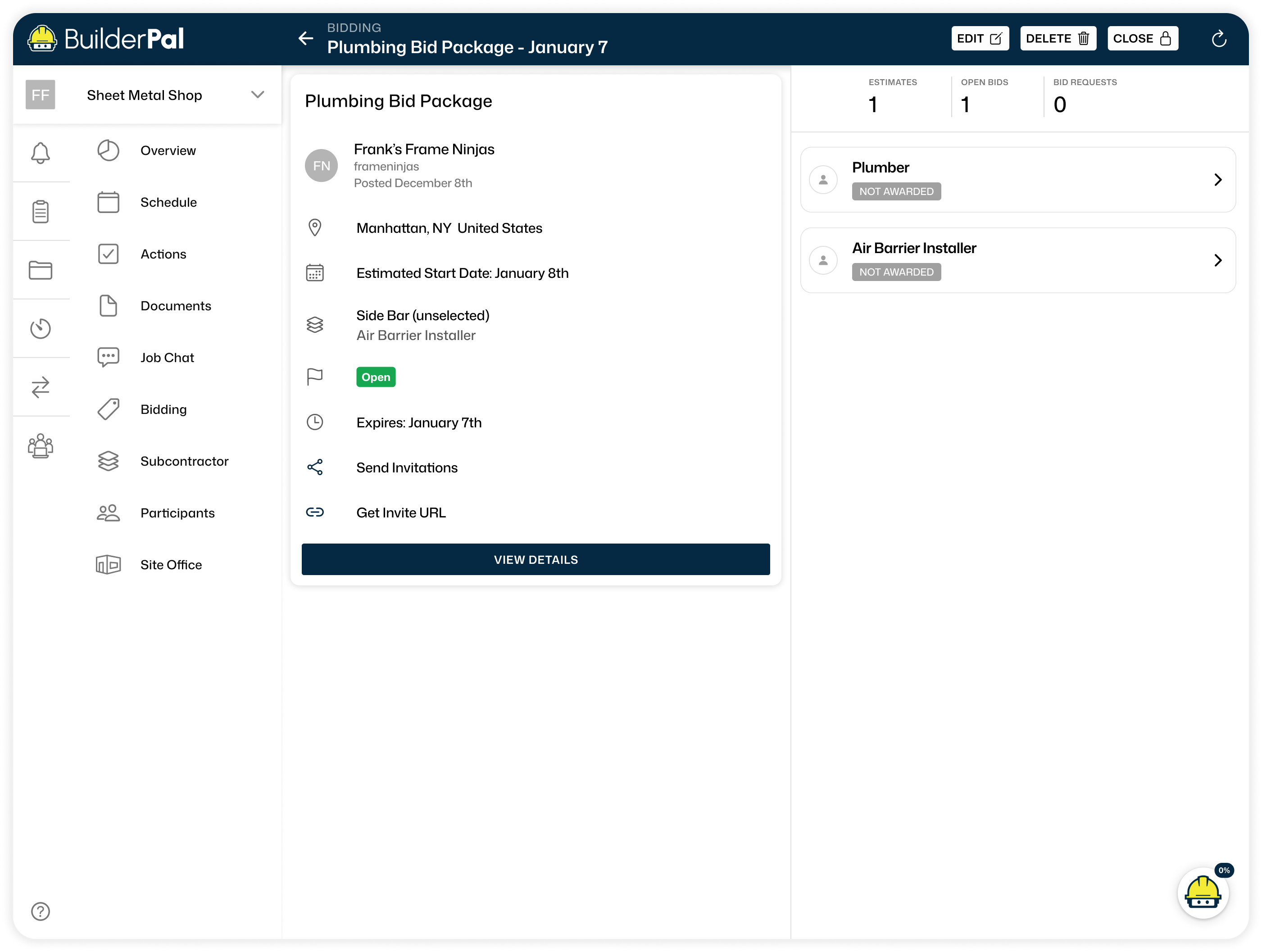
Bid Leveling
Side-By-Side Comparisons
Every quote aligns to the same line items so pricing gaps surface immediately. Ask BuilderPal to flag line items with the widest spread between bids and highlight where scopes don't align — walk into your decision with the risk already mapped.
Eliminate The Guesswork
Each quote is shown next to your own estimates so differences stand out immediately, making gaps easier to spot and decisions more confident.
The Right Man For The Job
See who meets your requirements and how they communicate before awarding, making it easier to choose the right contractor.
Proof of Presence
Every clock-in and clock-out includes GPS data, confirming hours were logged on site. This cuts down on disputes and keeps records airtight.
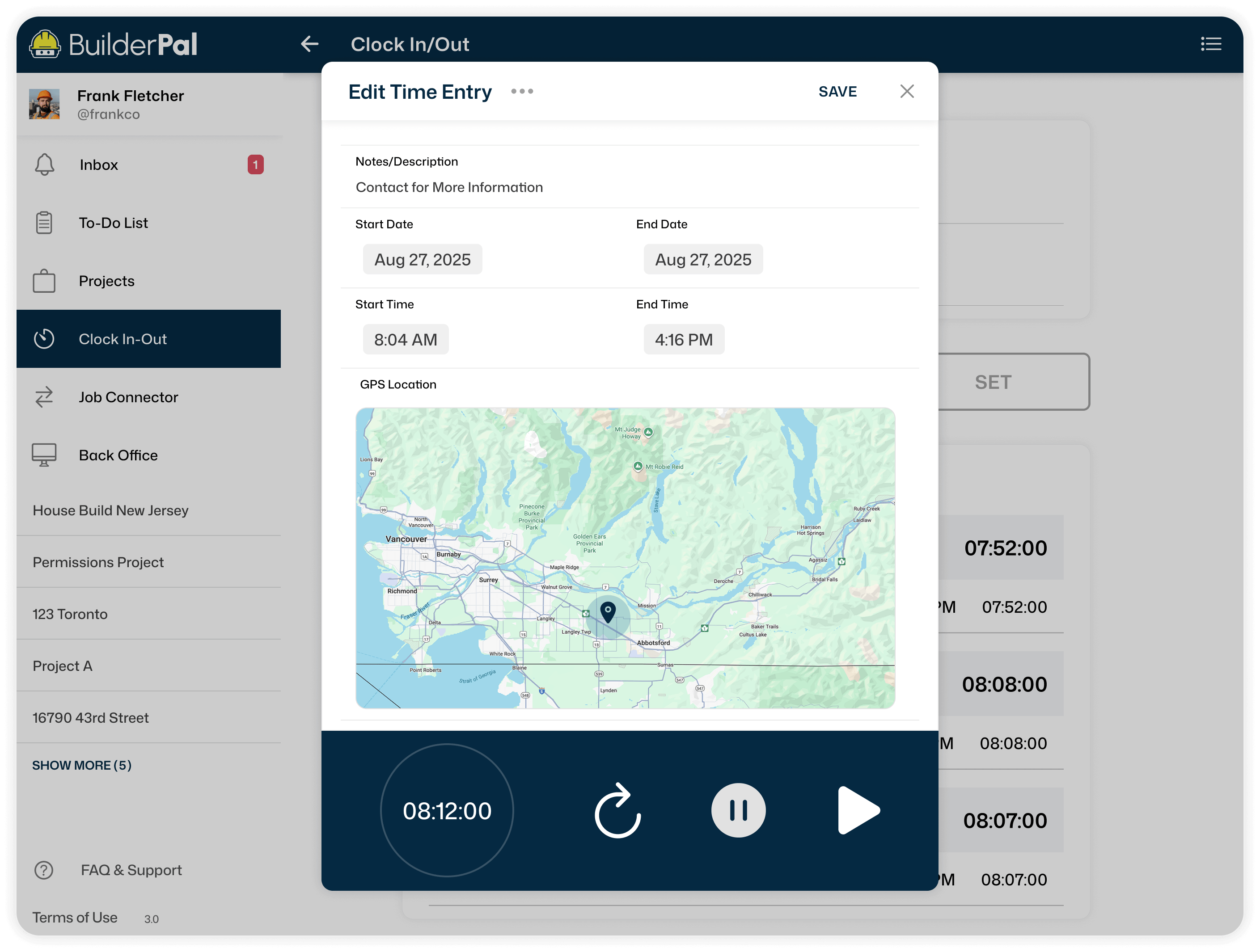
Flexible control
User management tools allow you to designate which employees need to log hours with GPS. This ensures that tracking is applied only where it’s necessary.
Save Time on Oversight
No more chasing down crew locations. GPS Verification automatically confirms attendance, reducing admin work and making timesheets more reliable.
.webp)
Bid Packages
Everything In The Open
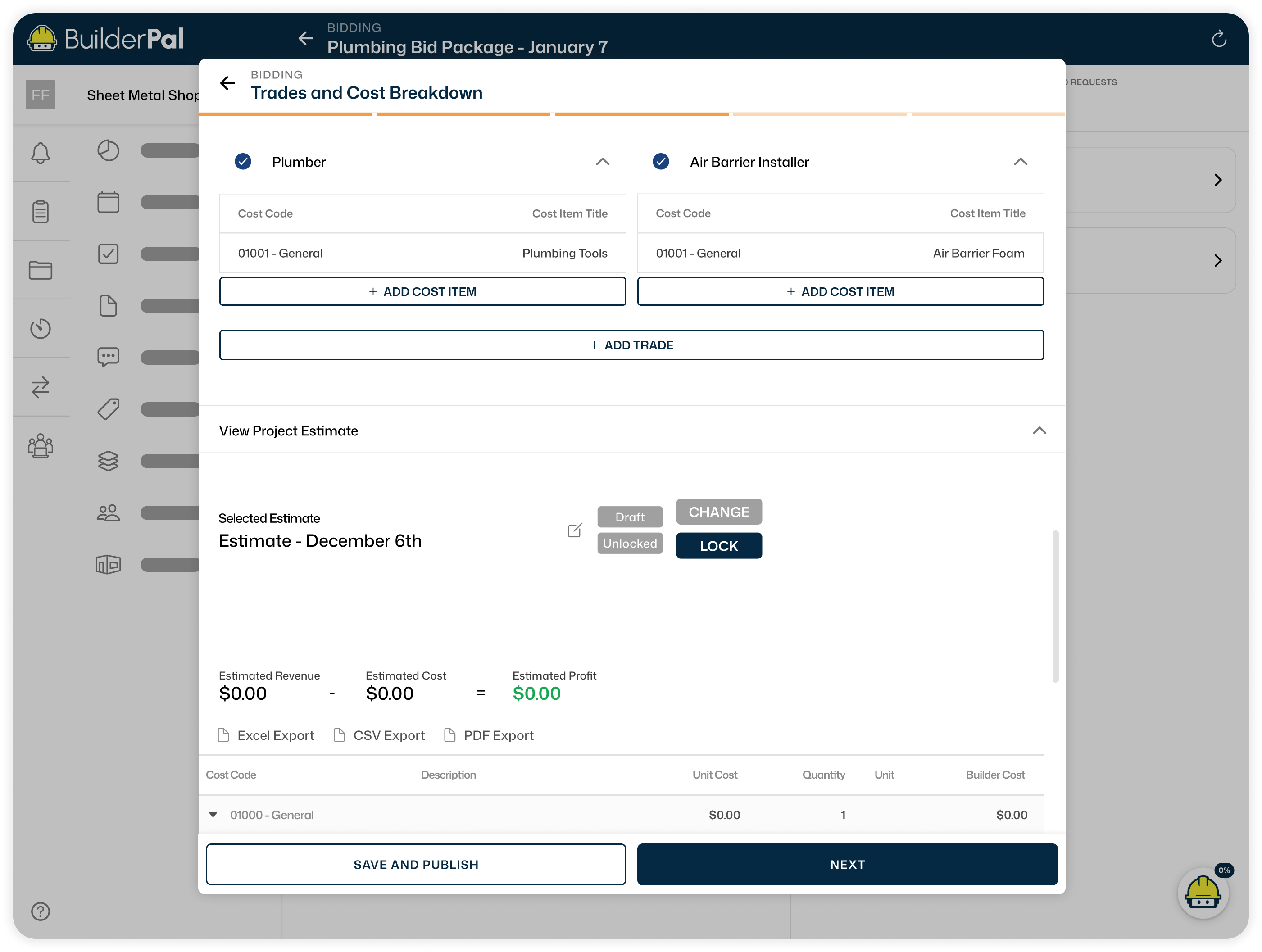
Anyone looking to bid will see the full scope and requirements, keeping expectations clear and avoiding confusion later.
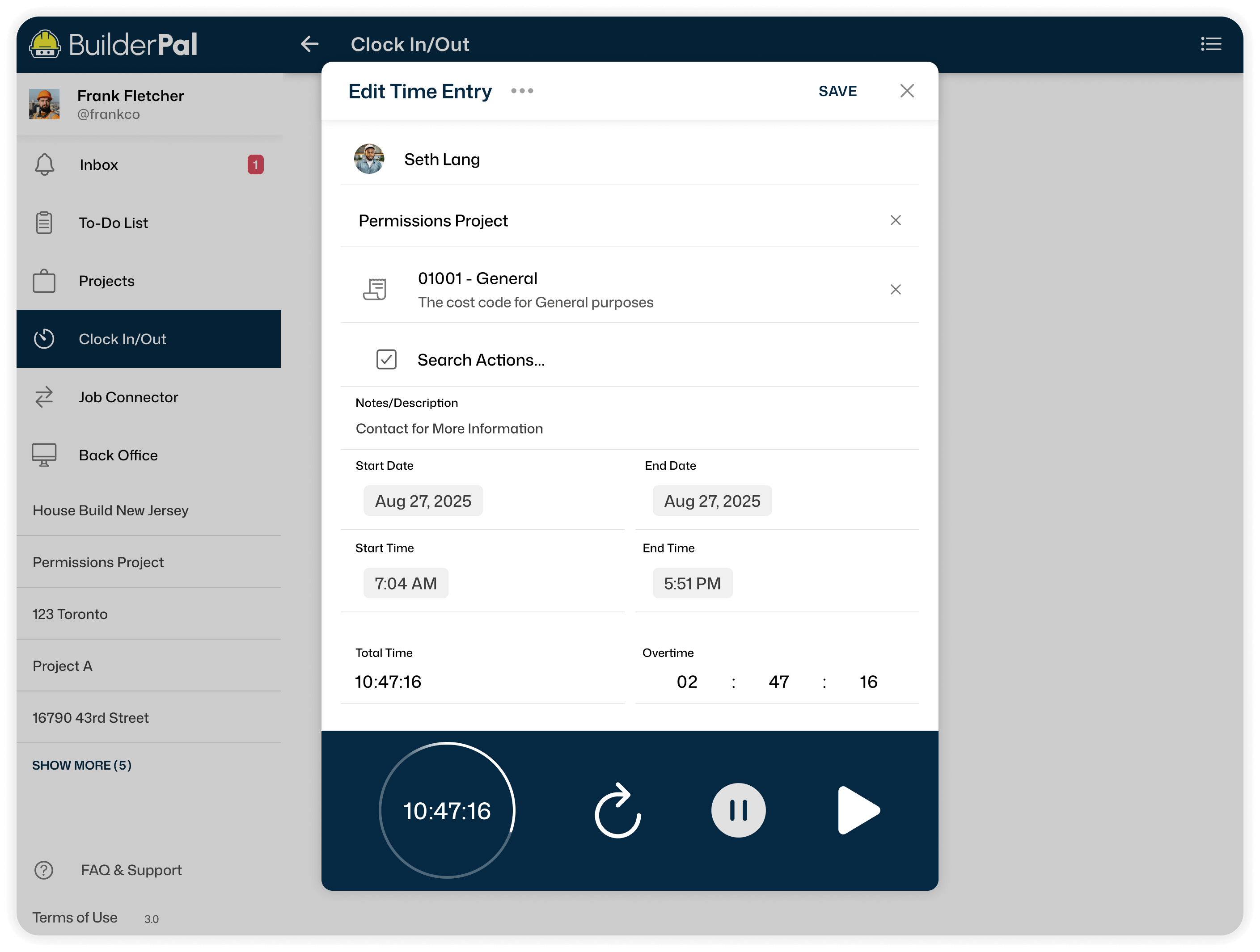
Relevant Work For Trades
Work is organized by trade so bidders only price what applies to them, keeping bids focused and avoiding confusion.
Intuitive Packages
Bid packages are clearly structured, making them easy to understand and respond to. Describe your project scope to BuilderPal and it generates the relevant cost codes and punch lists to attach — packages go out complete and consistent every time.
Budget and Estimate Tools
Adjust Estimates With Ease
Adjust estimate values as plans change while keeping budgets in sync, making updates quick and accurate.
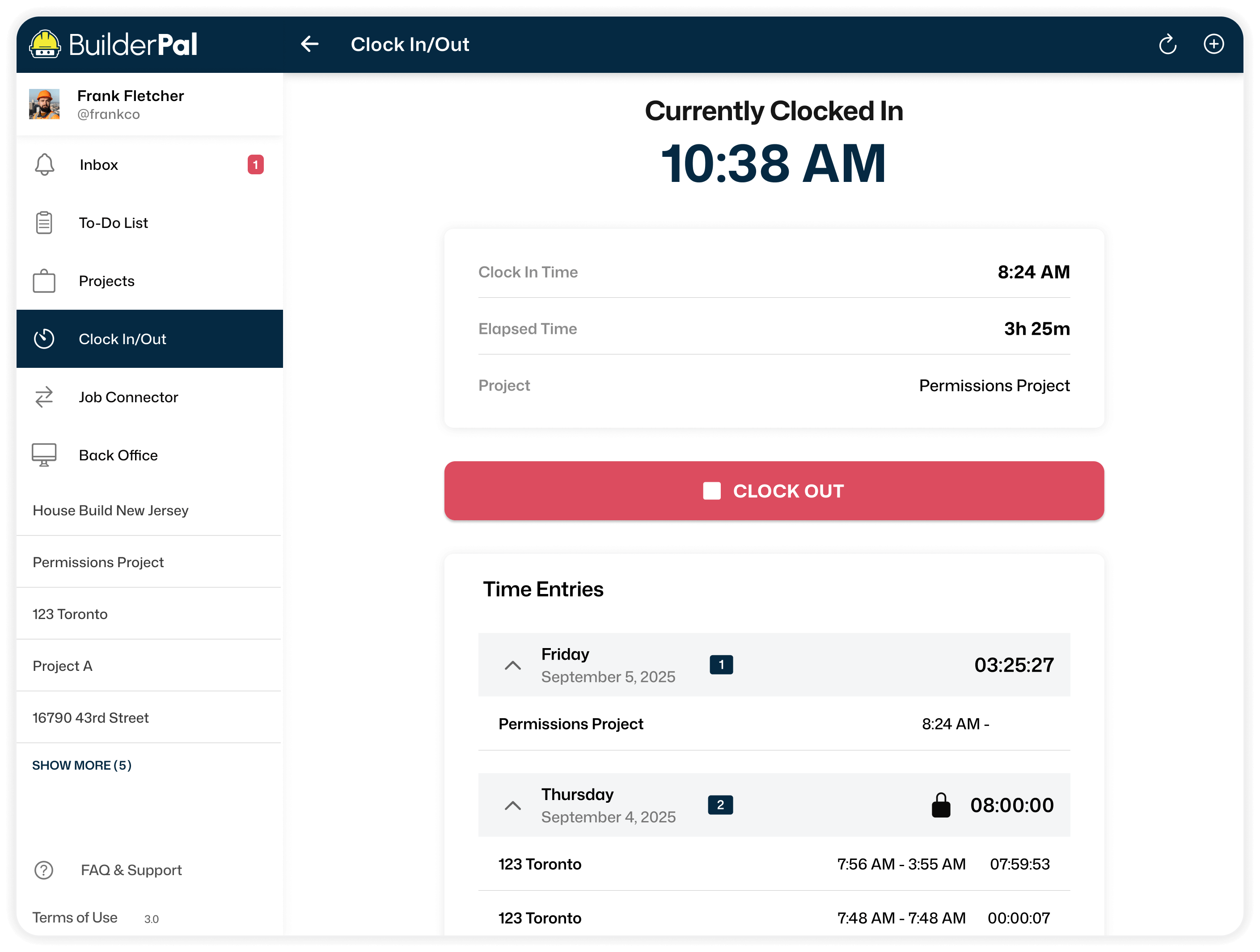
Maintain Profit Margins
Compare actual costs to your budget as the job moves forward, helping protect margins and avoid surprises.
Catch Overages Early
See when costs go over budget while there's still time to fix it. Ask BuilderPal to compare incoming bids against your original estimate line by line — it calls out exactly where costs are trending over before they become change orders.

Invite-Only Job Posts
Privacy Meets Precision
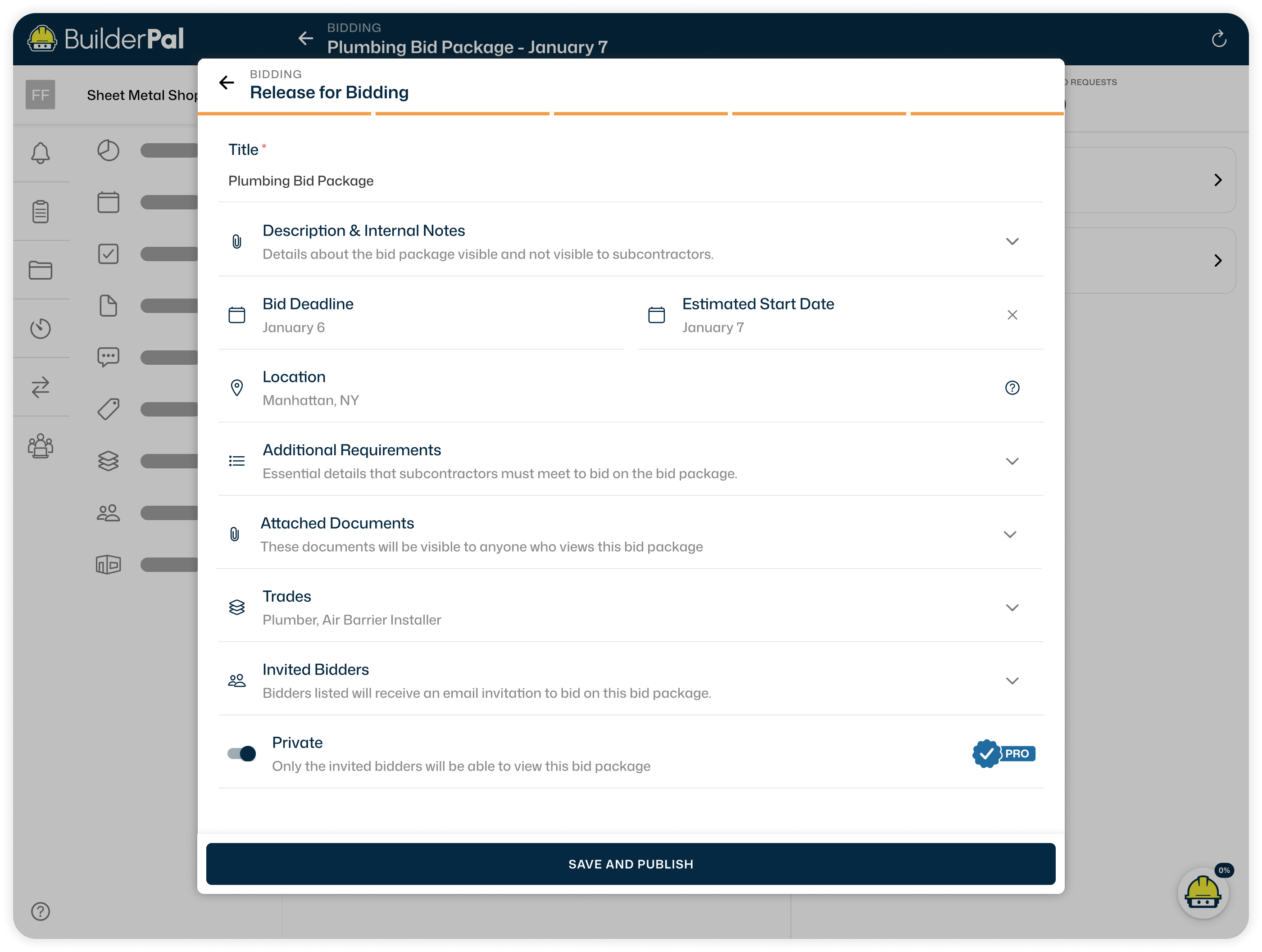
Pro lets you run invite-only bid packages when a job isn’t ready for public posting. Only the contacts you invite can view and bid.

Teams You Trust
Send bid invites to subcontractors you already work with, keeping pricing focused on teams who know your expectations. Tell BuilderPal the trade, capacity, or location you need and it surfaces the right contacts from your list in seconds.
Full Control
You control how each job is shared and managed, from who can request access to when bids are accepted.
How it Works

Step 1
Create Scope

Step 2
Receive Bids

Step 3
Compare and Award
Build Better Together
Run your jobs with BuilderPal to receive bids and connect with local trades and contractors. Use our AI Chat to level bids and generate schedules quick. Cut unpaid time so you connect, build, repeat without the drag.