PAYROLL REPORTING

New Level of reports
Edits and duplicate hours piling up every cycle? BuilderPal locks entries, flags duplicates, and exports clean reports fast. Summarize unapproved hours or approve batches quick with BuilderPal's AI Chat so you avoid chasing fixes, and get paid for building.
.webp)
Payroll Reporting
Who Worked Where
Guessing crew locations wastes payroll arguments. Site logs track every person clearly. No more "where were you" unpaid fights.
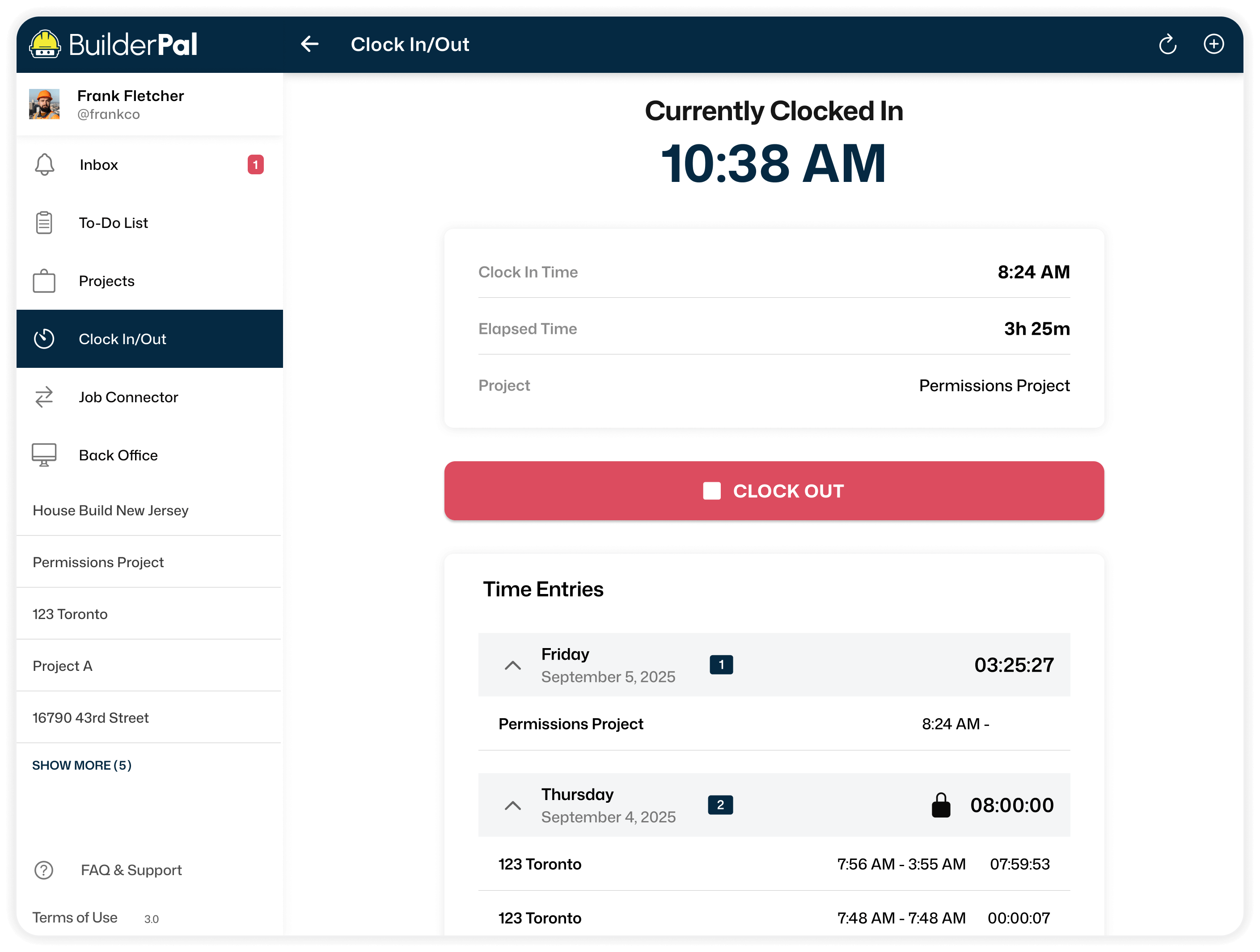
What They Did
Vague entries lead to wrong payments. Actions show exactly what work was done. Pay matches reality, no extra hours billed.
.webp)
No Double Pay
Edits before payroll can wreck budgets twice. Mark hours paid once locked. Budgets stay clean, no chasing refunds.

AI Form Generator
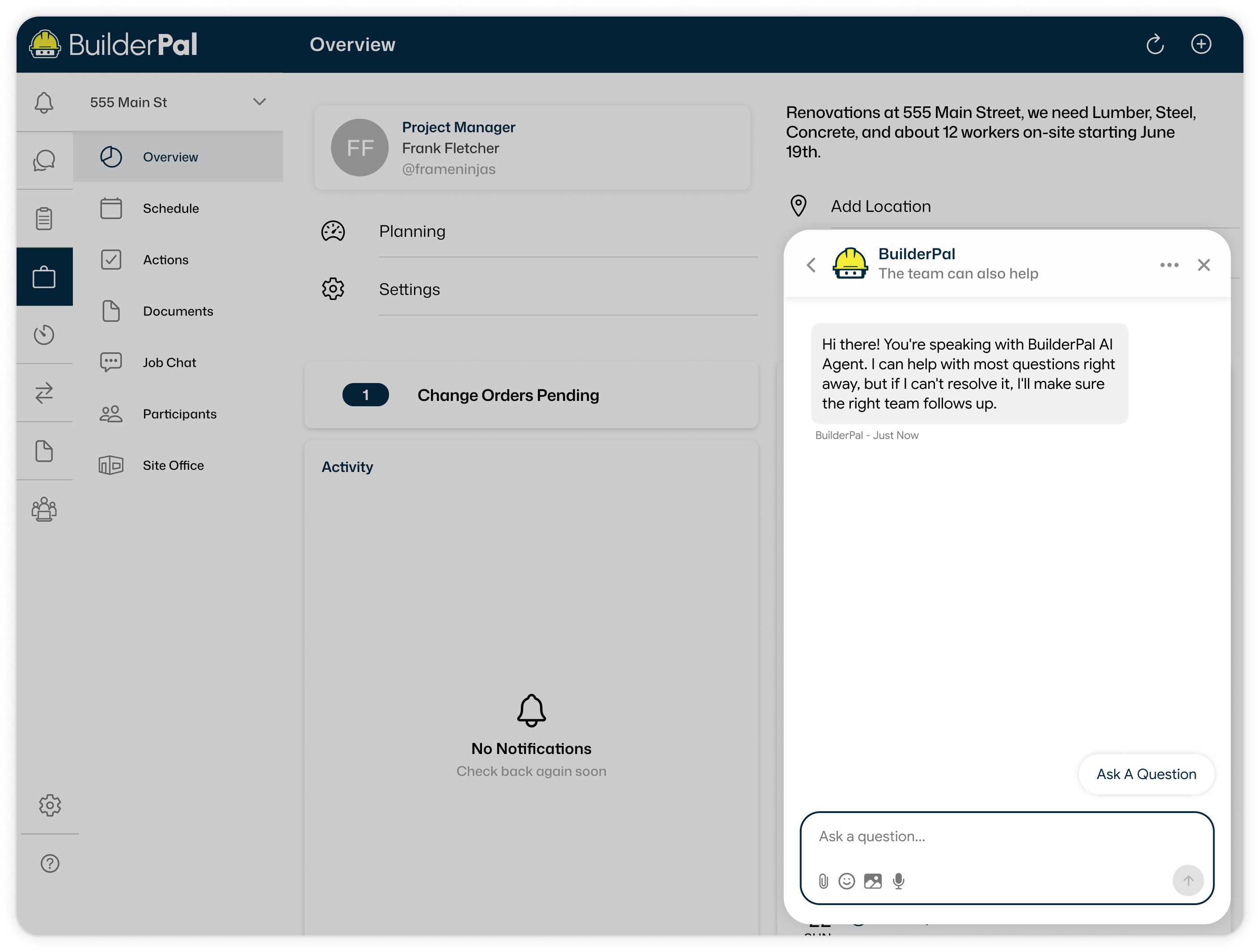
Pull Details Instantly
Manually entering details takes forever. Our AI pulls your project details automatically. Forms fill right, saving you hours of admin work.
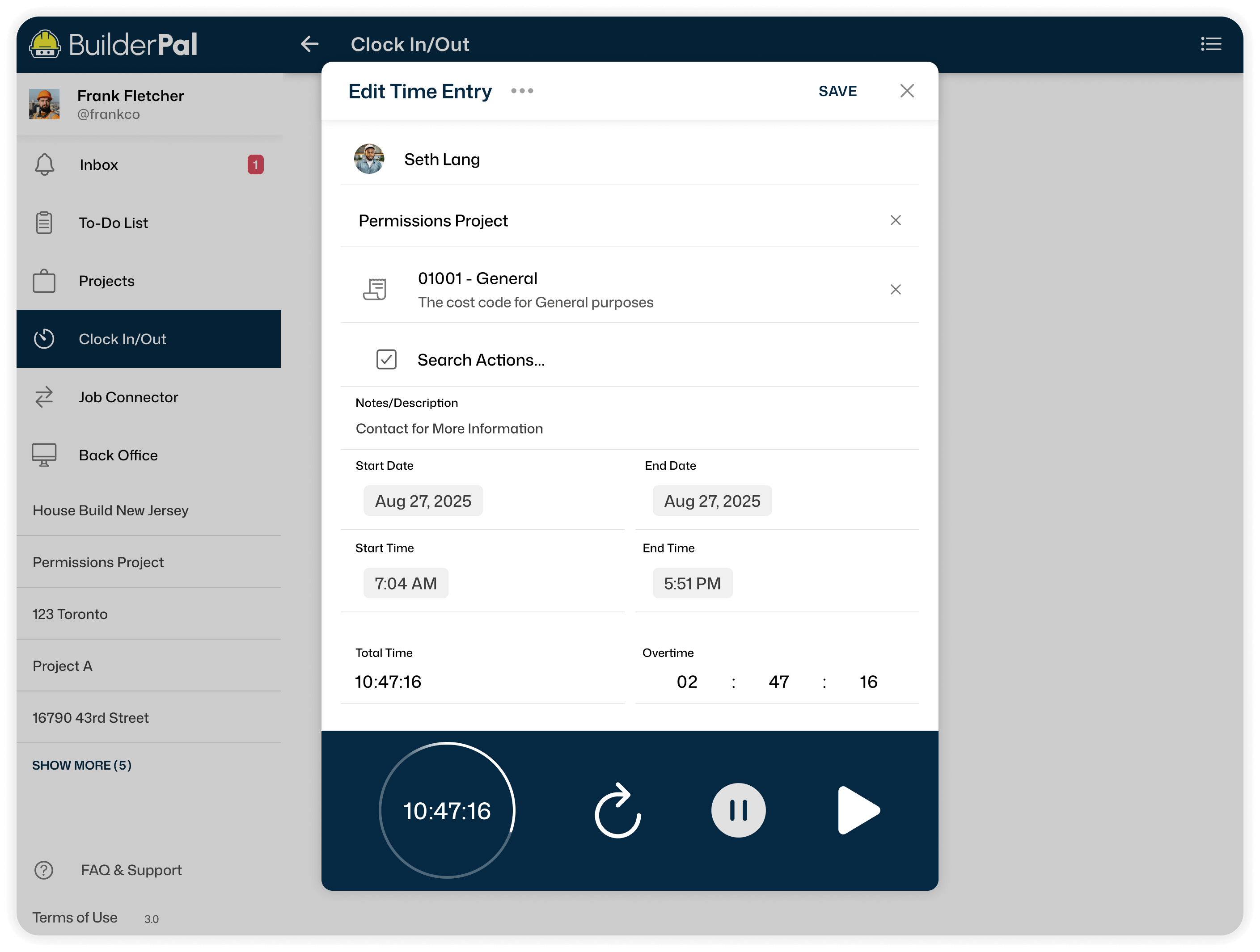
Fill Forms Fast
Blank forms sit and delay everything. Our AI generates safety or demo forms instantly. Get to the real work without unpaid delays.
Modify Easily
Wrong fields force rebuilds and waste more time. Add, remove, or change fields in the AI Chat instantly. Fix forms without starting over unpaid.
Job Costing
Clear Breakdowns
Labor and materials hide in messy lists. Our breakdowns show every cost separately. Know exactly what's spent, no surprises.
Compare Estimates
Original vs revised costs stay hidden. Side-by-side view spots differences fast. Adjust before the budget blows and time is lost.
Export Ready
Bookkeepers spend days fixing numbers. CSV export sends clean data. No unpaid back-and-forth fixing payroll.
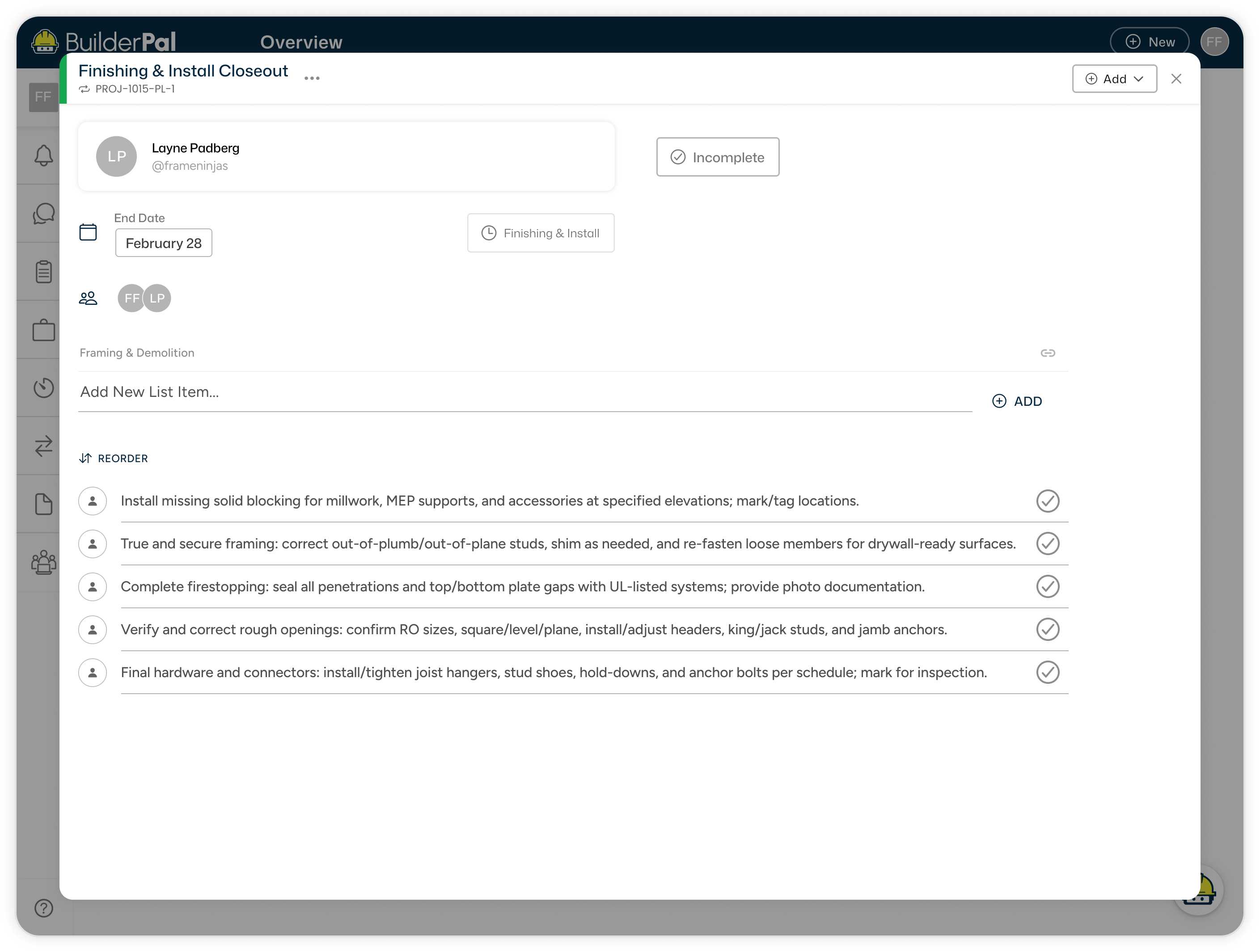
How it Works

Step 1
Get Invited to BuilderPal

Step 2
Start and Set Up Your Team

Step 3
Invite Other Contractors
Build Better Together
BuilderPal's AI handles summaries and exports quick. Connect teams, cut unpaid time, repeat jobs smoother. Keep the job site tight.